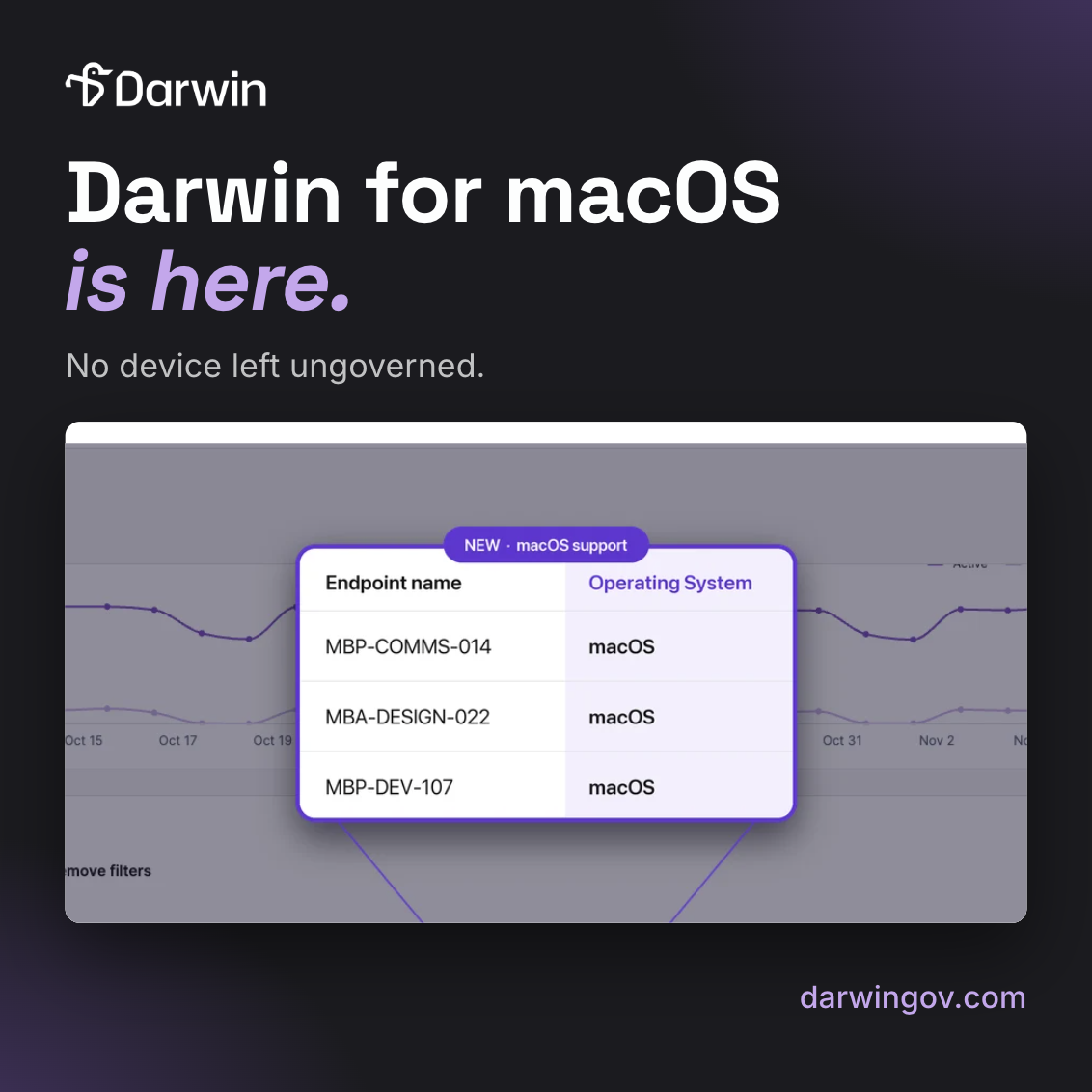
Darwin for macOS is now available in beta, bringing AI visibility, real-time policy enforcement, and audit trails to Mac devices. With unified coverage across Windows and macOS, government agencies can monitor and govern AI activity across browsers, desktop apps, and terminal-based tools, all from one console.


For IT and security teams using Darwin, Macs have, until now, been the exception. Windows endpoints are governed. Macs sit outside: no detection, no enforcement, no audit trail.
At agencies with real Mac share, that exception isn’t small. One agency runs about 20% Mac. Another runs 37%. And in most cases, the Mac users are the ones doing the heaviest AI work: developers, designers, communications leads, faculty, and executives.
Until now, closing that gap meant a second tool. A Mac-native platform. A browser extension. A system-proxy workaround. Two consoles, two policy sets, a split audit trail, and two places to answer an auditor.
That changes today.
Darwin for macOS is now live in beta. It extends the Darwin agent to Mac endpoints under the same tenant, the same policies, and the same console you already use for Windows.
A policy written once applies to both platforms. A data redaction rule on Windows redacts on Mac. A block on an unauthorized tool blocks on Mac. One policy set. One audit trail. One place to answer every question.
The browser isn’t where the hardest AI activity happens anymore. Developers are sending code, credentials, and connection strings through Claude Code, Cursor, and Codex CLI in the terminal. Browser extensions and system-proxy tools can’t see that traffic.
Darwin for macOS captures AI activity below the application layer through Apple’s NetworkExtension. That means coverage includes:
Thirty-four AI tools are parsed in depth, including prompts, replies, and file uploads. Another 2,100 are recognized in the shadow AI catalog. Every Mac AI session is attributed to a user and a process, logged alongside Windows activity in the same activity log.
Darwin for macOS ships as one package and four tenant-specific configuration profiles. It deploys through any MDM—Intune, Addigy, Jamf, Kandji, or Mosyle. Apple Business Manager and ADE aren’t required.
Rollout is about 20 minutes of console work, followed by a single restart per Mac. The install is silent; no prompts, no certificate warnings. A menu-bar icon shows protection status, and users only see a notification when a policy acts.
The agent self-updates from the console, the same way the Windows agent does. Outages are journaled and reported, so coverage gaps are visible, not silent.
Darwin for macOS runs on macOS 12 or later, on Apple Silicon and Intel. It’s purpose-built to close the Mac gap in a Darwin deployment; the same visibility, the same enforcement, and the same audit trail your Windows endpoints already have.
For agencies with mixed environments, that means every managed device is finally covered, regardless of OS.
Darwin for macOS is available today in beta for Darwin customers. Book a demo or reach out to your Darwin AI contact to get a walkthrough.