
Every day, governance teams miss events that need a fast response. Not because Darwin isn't catching them, but because catching them has meant logging into the platform to check. A critical alert sits unseen. An access request waits days for a decision. A newly discovered shadow AI tool operates for a week before the right person notices. Darwin's Notification Center changes that.


.svg)
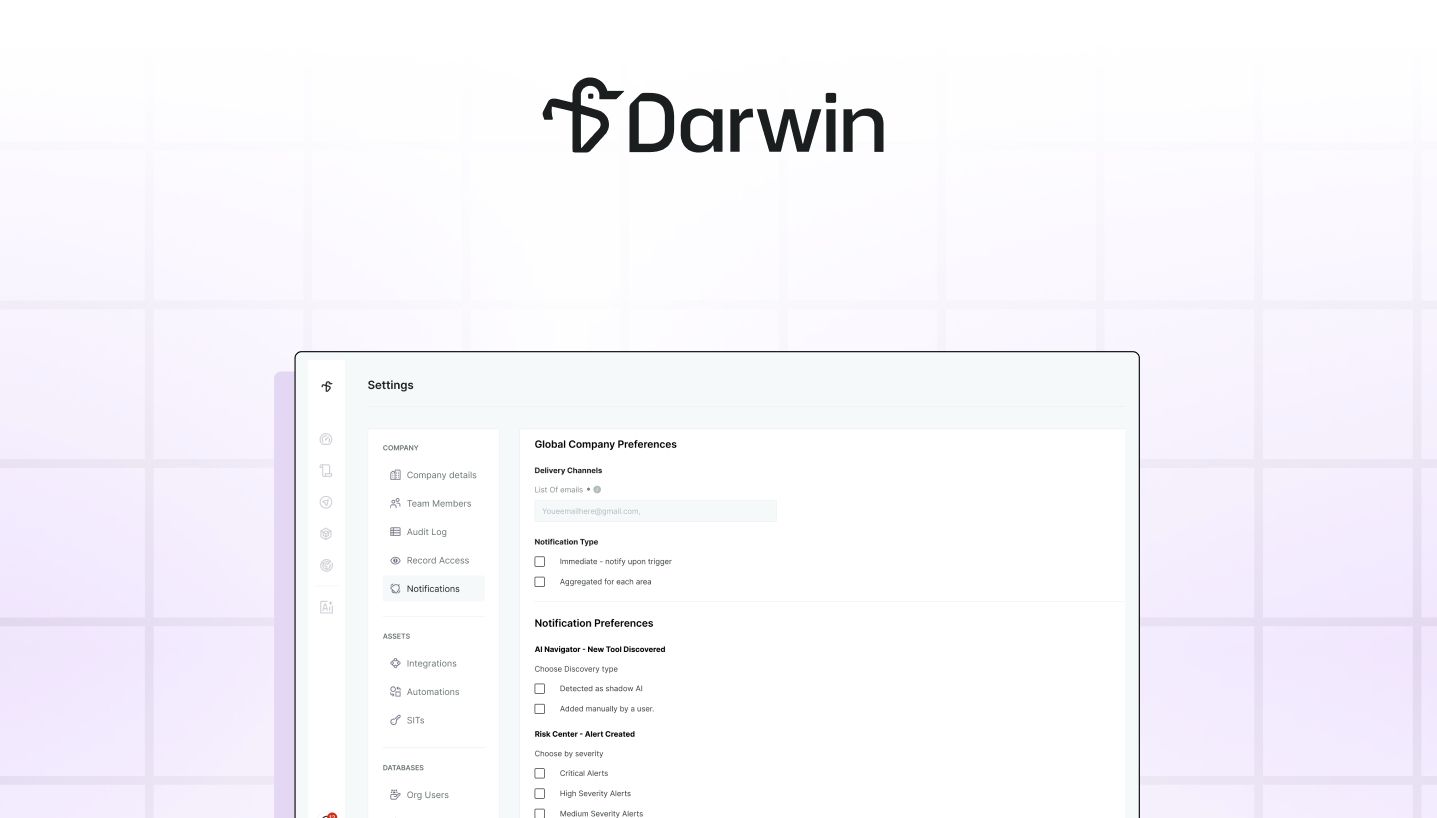
Across state and local government, AI governance runs on signal. New tools appearing across AI governance. New tools appearing across departments. Shadow AI sessions surfacing. Risk levels shifting on tools already in use. Alerts firing on PII, prompt injection, or access requests waiting on a decision. Every one of these events matters, and every one requires someone to act on it quickly.
The problem for most governance teams isn't that the signal doesn't exist. It's that catching it has meant logging into the platform, opening each area, and checking manually. A critical alert can sit unseen until someone happens to check. An access request can wait days for a decision. A newly discovered shadow AI tool can operate for a week before the right person notices.
Darwin's Notification Center closes that gap. Admins and users can now choose exactly which governance events trigger an email, how often those emails arrive, and who receives them, so time-sensitive signal reaches the right people the moment it matters.
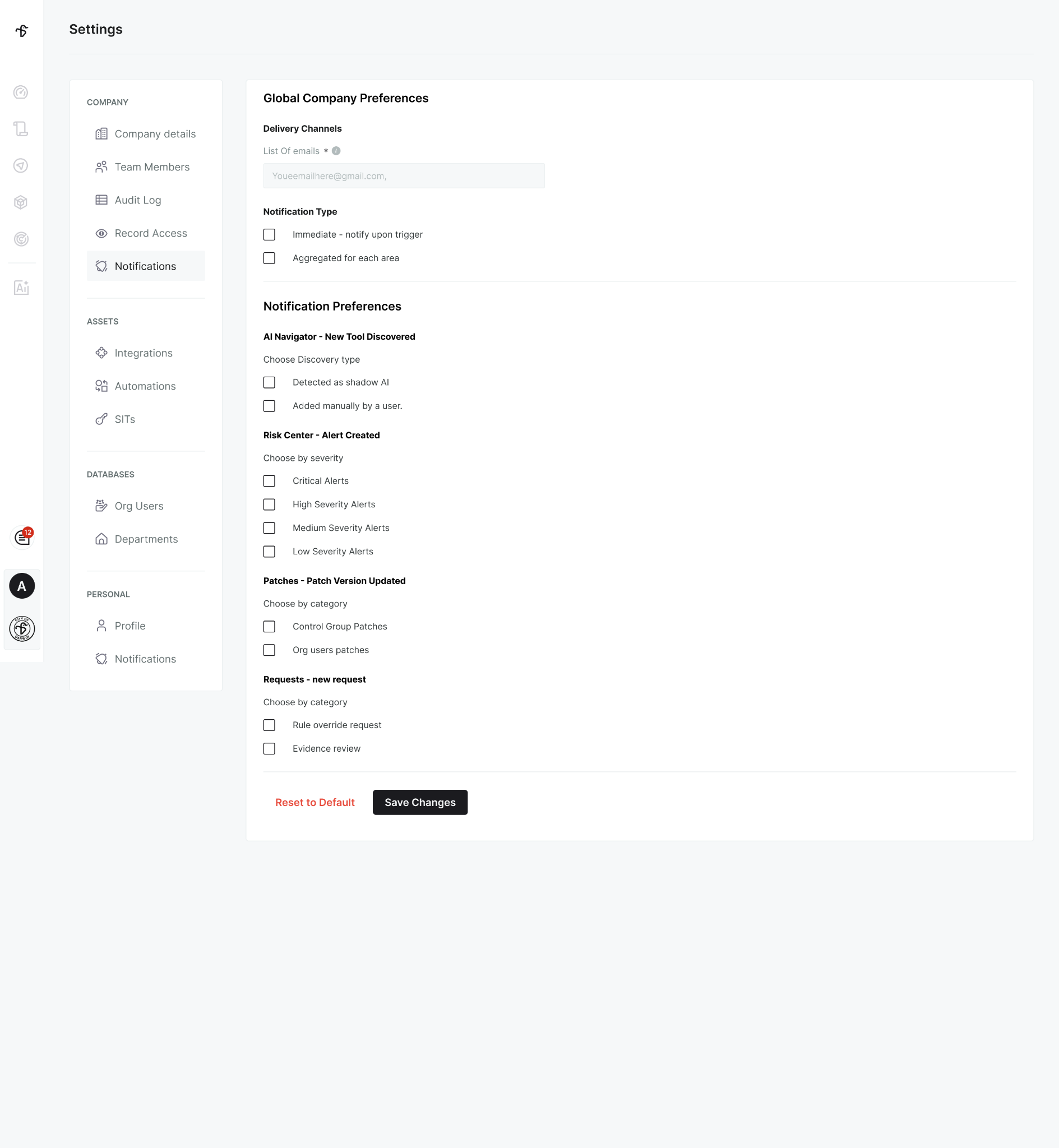
Notification Center works at two levels that mirror how governance teams actually operate. Organization Notifications lets admins set a shared list of recipient email addresses, a distribution list, a monitoring mailbox, a team inbox, and control which organization-wide events route to it. My Notifications lets each user configure the same categories for their own account, tuned to their focus and role.
Both levels draw from the same set of categories: new AI tools discovered (manually added or detected as shadow AI), Risk Center alerts across every severity level, patch version updates, and access requests including rule overrides and evidence review. The result is one coherent notification system that supports both team-wide routing and individual preferences without conflict.
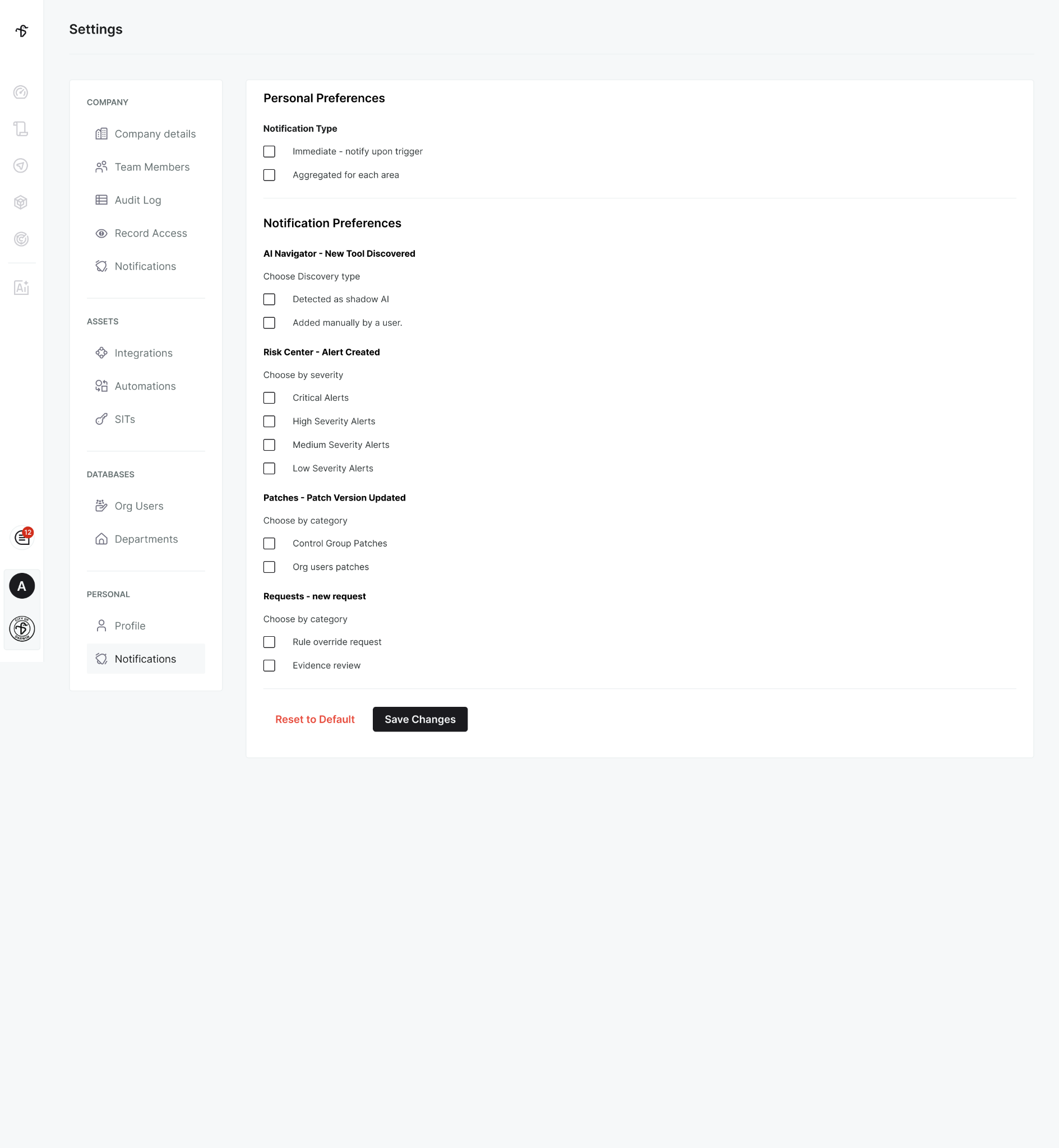
Governance events aren't all equally urgent, and Notification Center gives teams the controls to reflect that. Every category can be turned on or off independently, so admins subscribe to exactly the events that matter to their role, no more, no less. Risk Center alerts can be filtered further by severity, from Critical down to Low, so teams choose the noise floor that matches their capacity.
Delivery frequency is equally flexible. Choose Immediate to receive an email the moment an event fires, ideal for time-sensitive alerts and access requests. Or choose Aggregated to receive a single email that groups related notifications by area, perfect for teams that want awareness without a full inbox.
The outcome: signal over noise, tuned to how each person and each team actually works.
For many agencies, governance isn't a one-person job. Shadow AI discoveries need to reach the IT team. Access requests need to reach the compliance officer. Risk analysis changes need to reach the security lead. Notification Center supports that reality by letting admins route Organization Notifications to shared inboxes, distribution lists, or system monitoring accounts, wherever the response actually happens.
Where multiple admins share coverage, each can subscribe to different categories in My Notifications, splitting responsibility without missing events. The team stays aligned on AI oversight, and each person receives only what's relevant to them.
State and local government agencies are being asked to demonstrate active AI oversight, not just that policies exist, but that events are seen, decisions are made, and responses happen fast. Darwin's Notification Center gives governance, security, and compliance teams the awareness infrastructure to do exactly that, without depending on anyone remembering to log in and check.
Ready to see Notification Center in action? Book a demo or reach out to your Darwin AI contact to get a walkthrough.

%20(1).png)