
AI governance has always drawn the line at identity: work email = governed, personal email = shadow. But there's a gap that identity alone can't catch. An employee signed in with their agency email, working inside a personal ChatGPT workspace. The account checks out. The workspace doesn't. And every session flows outside the agency's data processing agreements, with no record in the tool's admin console. Darwin's new Workspace Detection closes that gap.


.svg)
The line between governed and ungoverned AI use has always been drawn at identity. If an employee signs into ChatGPT with their agency email, the session is inside the perimeter. If they sign in with a personal Gmail, it isn't. That's the check every AI governance tool relies on, and it's the gap Darwin's shadow account enforcement already closes.
But identity isn't the whole story. An employee can be signed in with a perfectly valid agency email and still be working inside a personal ChatGPT workspace, or a team workspace the agency never approved. The account checks out. The workspace doesn't. Every piece of data that flows through that session sits entirely outside the organization's data processing agreements, with no record in the tool's own admin console.
Darwin's Workspace Detection closes that gap. Admins can now define which workspaces belong to their organization, and Darwin captures the workspace used for every AI session on a managed device, flagging, alerting, or blocking any activity that happens outside the approved list.
Until now, Darwin evaluated AI sessions along two dimensions: which tool was used, and which account was signed in. Workspace Detection adds a third, which workspace the session took place in, and threads it through the entire platform.
In Records Explorer, a new Workspace column shows exactly where every session occurred, filterable to surface activity outside the approved list. In AI Navigator, workspace context appears in every tool and user drawer. In Risk Center, shadow workspace sessions raise alerts with full context. Wherever admins already investigate AI activity, workspace is now part of the picture.
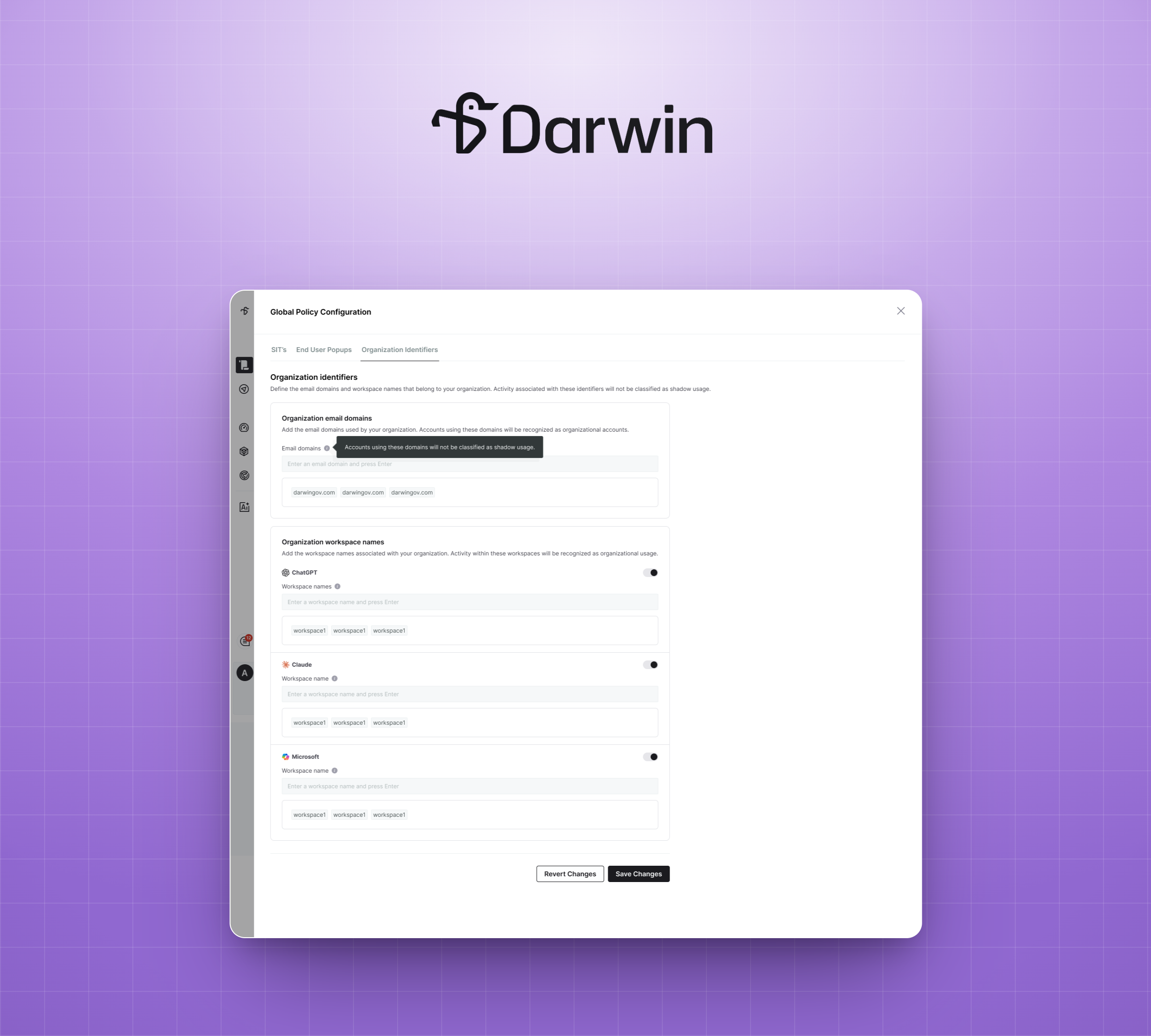
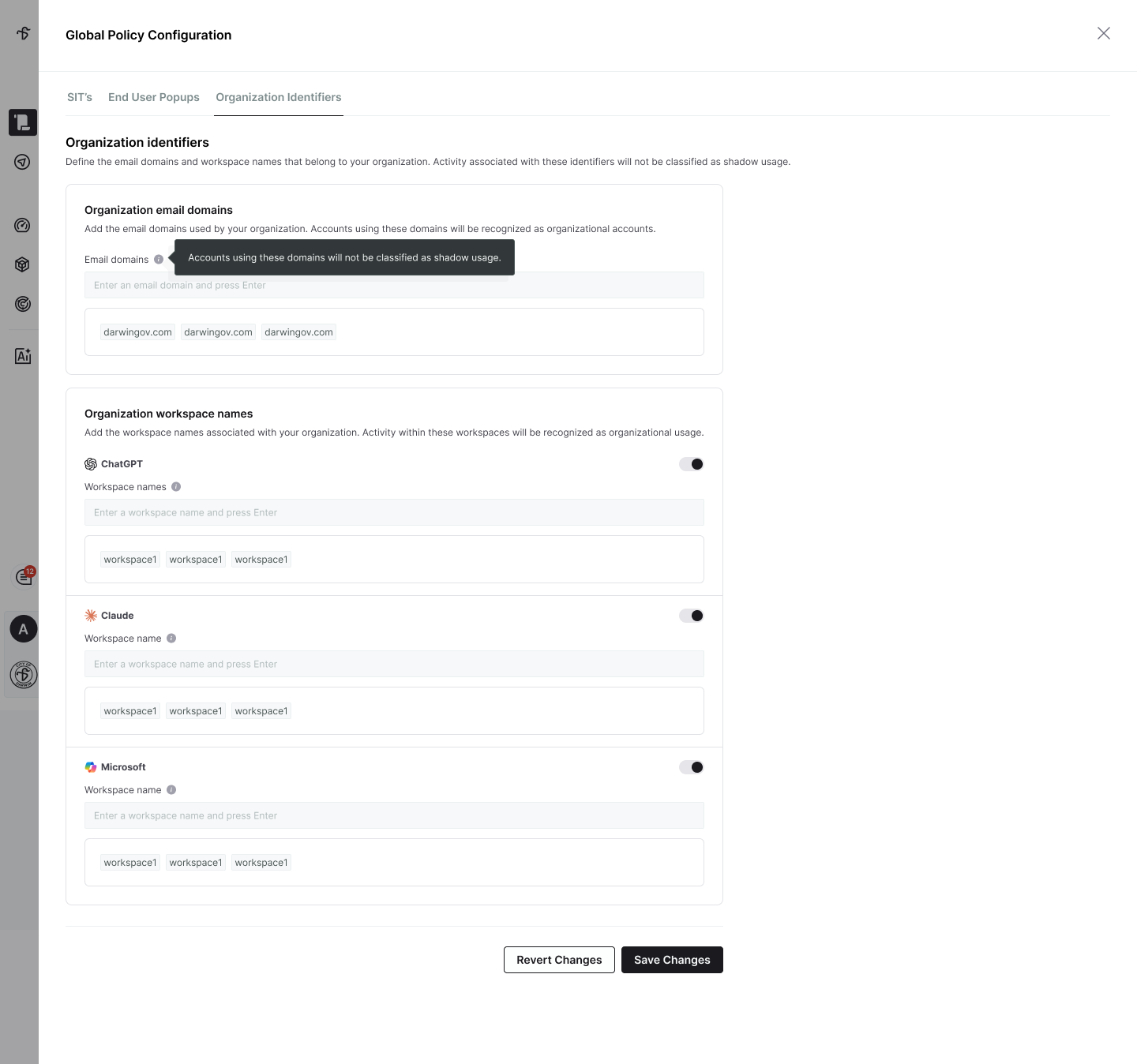
Setting up Workspace Detection takes minutes. In Global Policy Configuration under Organization Identifiers, admins turn on workspace detection per tool and add the workspace names that belong to the agency. That's the entire configuration. From that moment on, every AI session on a managed device is evaluated against the approved list.
Enforcement plugs directly into the rule admins already use for account detection: Usage with a Non-Organizational Account or Workspace. Sessions in shadow workspaces can be blocked at the endpoint, raised as alerts to the security team, warned to the user in real time, or opened for access requests when a legitimate need exists. Because enforcement happens on the endpoint, it holds regardless of network path, VPN status, or how the employee reached the tool.
Account and workspace are evaluated independently. An approved workspace doesn't create an exception for a shadow account, and vice versa. Both checks run every session; both gaps stay closed.
Many agencies have already invested in enterprise AI workspaces, a paid ChatGPT Enterprise environment, a Claude for Work organization, or a Microsoft 365 Copilot Cloud tenant governed by an enterprise agreement. Until now, there was no way to verify that employees were actually working inside those environments. The procurement decision was documented. The enforcement was assumed.
Workspace Detection makes that assumption verifiable. Add the enterprise workspace to the approved list, and Darwin immediately surfaces every session happening elsewhere, quantifying the gap between what was procured and what employees actually use. Compliance officers can filter records by workspace to demonstrate that AI activity subject to data processing agreements or records obligations occurred inside the governed environment, and account for anything that didn't.
State and local government agencies are being asked to prove not just who used AI, but where. Darwin's Workspace Detection gives IT security, compliance, and CIO teams the evidence and enforcement to answer that question, closing the last gap in shadow AI detection and turning a procured enterprise workspace into something the organization can actually enforce.
Currently supported for ChatGPT, Claude, and Microsoft 365 Copilot Cloud.
Ready to see Workspace Detection in action? Book a demo or reach out to your Darwin AI contact to get a walkthrough.
.png)
.png)